Hookhub Full Logo
Start Hosting
LOGIN
SIGN UP

How to make a booking

You’ve found the perfect place to stay—and now, you’re ready to book. Let’s do this!
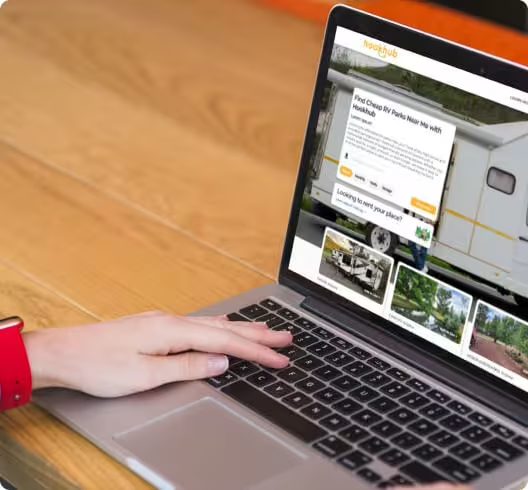
Getting started image
First, make sure your account is set up.
What we need for bookings. At a minimum, you will have to provide the following info to create your account and make your first booking request.
Full legal name
Email address
Confirmed phone number
Payment information
Send a reservation request
1. Click the listing you want to reserve
2. Select the parking type or length (nightly, monthly, yearly or storage), select dates then click Reserve.
3. Enter payment info, review the policies and terms and select Create Booking
What happens next?
If you booked instantly, you’re good to go. If you sent a request, your Host will typically respond within 24 hours. In the meantime, we may ask you to verify your identity—as this helps us to ensure the safety of our community.
If the Host accepts your request, you’ll be charged for the reservation. If they decline or don’t respond within 24 hours, there's no charge and you’ll be free to book a different stay instead.

Explore RV Spaces
GET EXCLUSIVE RV PARKING DEALS & TIPS
Subscribe to our newsletter to receive the latest news and exclusive offers. We'll notify you of new property alerts, RV travel tips, exclusive discounts and other fun stuff happening.
Hookhub Full Logo
© 2025 Hookhub, Inc. All rights reserved.
Sign up on Hookhub.co to get our updates and newsletter for more articles like this.
No spam. No ads. Only great content.
Support